2024 Monthly Planner KDP Interior Design Guide
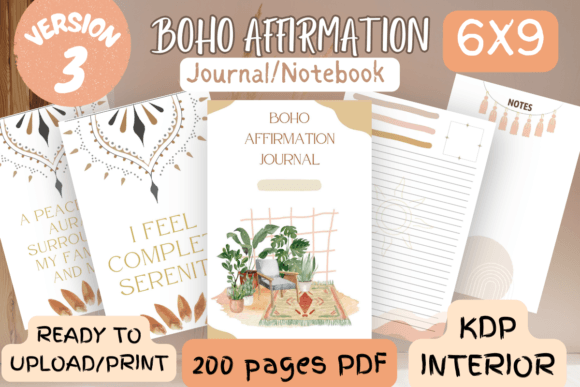
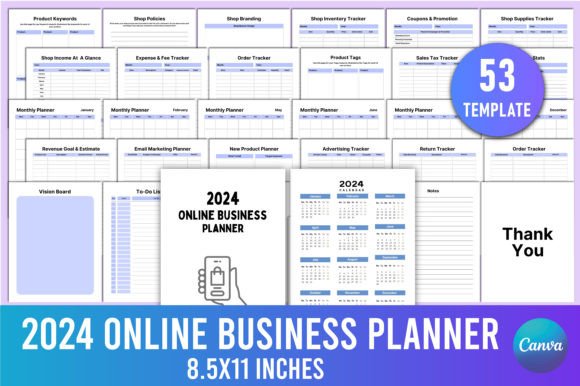
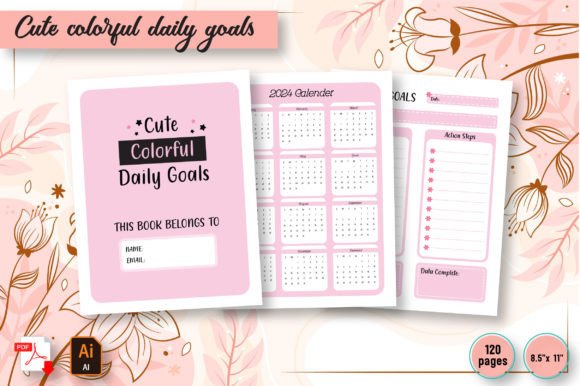
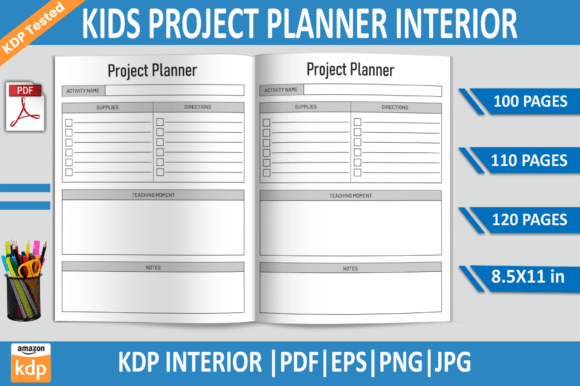
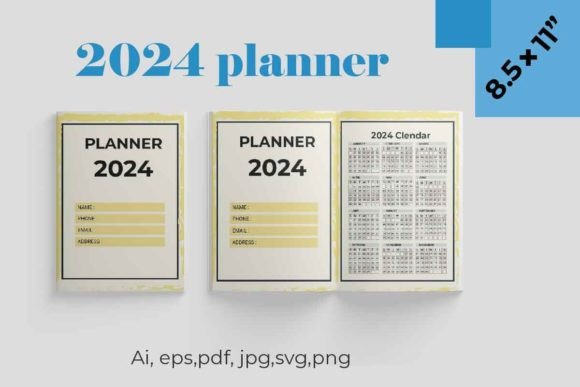
A 2024 Monthly Planner KDP Interior is a strategic canvas where graphic design meets daily productivity. For creative professionals, this ready-to-upload template isn't just a scheduling tool—it's a brand asset that can communicate visual identity, improve user engagement, and streamline creative projects. The package includes personal information pages, contact directories, vision board layouts, year calendars, holiday lists, and spacious two-page monthly spreads with dedicated zones for goals, reminders, and notes. Delivered as a 220-page PDF with bleed, along with editable SVG and PNG source files, it offers a flexible foundation for customizing low-content books on Amazon.
Incorporating such an interior into your design workflow means thinking beyond basic grids. Every element, from the typography used for important dates to the color palette applied across sections, shapes the user's experience. For graphic design, this template exemplifies how functional documents can become engaging brand touchpoints. By weaving modern aesthetics with practical usability, you elevate a simple planner into a memorable product that stands out in the crowded KDP marketplace.
Typography and Composition for Readability
Typography is the backbone of any planner interior. Choose fonts that balance character with clarity—clean sans-serifs for numerical data and a distinctive serif or script for motivational headers. This contrast creates visual hierarchy, guiding the eye naturally across the page. For the 2024 Monthly Planner KDP Interior, ensure your type scales well, as the layout must remain legible at print size. Utilize the notes pages to play with lettering styles, but always prioritize alignment and spacing. Consistent margins, thoughtful line lengths, and a controlled use of bold for key dates prevent the design from feeling cluttered, adhering to sound editorial design principles.
Strategic Color and Brand Integration
Color does more than decorate; it organizes and evokes emotion. A unified color palette can code months, highlight holidays, or signal progress in tracking sections. For branding applications, match the interior’s hues to existing brand identity guidelines. Softer palettes suit mindfulness or lifestyle themes, while vibrant schemes appeal to goal-driven productivity sectors. Since you can edit the SVG files, adjust colors to reflect design trends or client needs seamlessly, making the 2024 Monthly Planner KDP Interior a versatile asset for digital marketing and merchandise.
Designing User-Centric Layouts
User experience (UX) principles apply strongly here. Analyze how readers interact with each spread: the vision board should inspire, the monthly grid must be scannable, and the to-do sections need room for handwriting. This demands a careful balance of imagery and white space. By embedding visual hierarchy techniques—such as making the month title prominent and using icons for recurring tasks—you enhance usability. These methods mirror UI design practices, where clarity reduces cognitive load. The included two-page spread, with its dedicated zones for goals and reminders, exemplifies how to segment content for intuitive flow.
Creative Applications and Adaptability
Beyond personal organization, this planner interior fuels multiple creative projects. It can be adapted for:
- Branding: Insert custom logos and taglines to create branded corporate gifts.
- Social Media: Extract layout templates for cohesive Instagram story posts.
- Editorial Design: Repurpose the grid systems for magazine-style workbooks.
- Web Design: Use the structured tables as wireframe inspiration for dashboard interfaces.
Each application leverages the core design assets—typography, color, and composition—to maintain professional presentation across media.
Selecting and Customizing Your Planner Interior
When evaluating a 2024 Monthly Planner KDP Interior, scrutinize its scalability and file flexibility. Does the design adapt to edits without breaking the grid? Are the fonts embedded or easily replaceable? Prioritize templates that use layered source files, allowing you to tweak design elements while preserving the original structure. Compatibility with your existing design tools, such as Adobe Suite or Affinity, streamlines the customization process. Additionally, test the print-ready PDF for color accuracy and bleed settings to guarantee a polished final product.
Ultimately, a well-crafted 2024 Monthly Planner KDP Interior transcends simple scheduling. It becomes a communication tool that reflects careful design thinking. By marrying functionality with visual flair, you create not just a product but an experience—one that resonates with users and strengthens your brand’s visual narrative. In today’s competitive digital landscape, investing time in meticulous interior design pays off through enhanced engagement and perceived value.